GL.iNet GL-MT300N (Mango): OpenWrt Compatibility Report
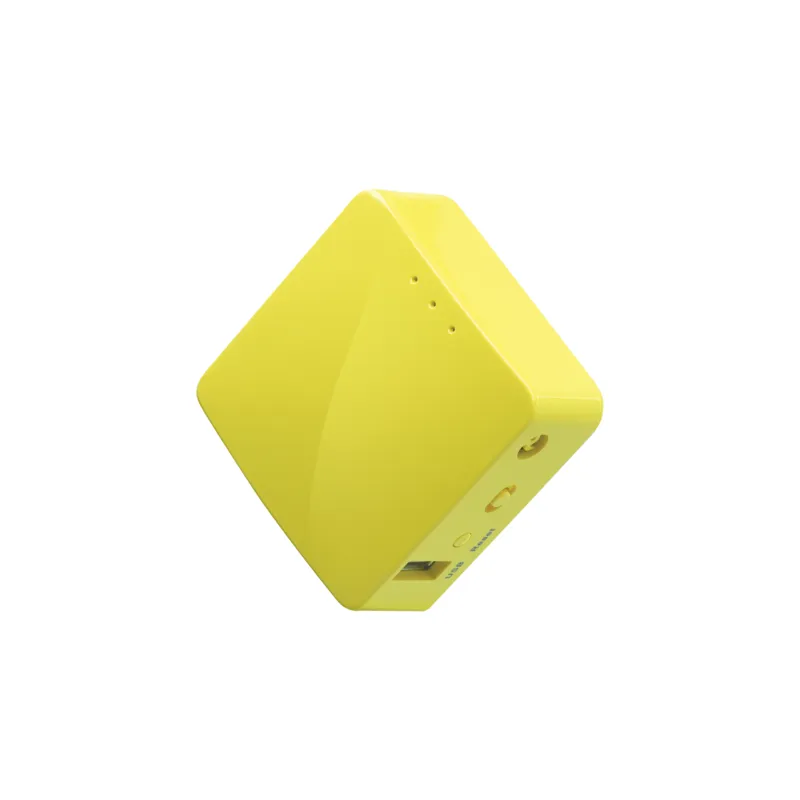
The GL.iNet GL-MT300N (Mango) runs OpenWrt 25.12.2 on the ramips/mt76x8 target, and has been supported since 18.06.0. Its WiFi 4 (N) wireless on the mt76 driver rates fair for open-source driver support (0.65/1.0), installation is rated easy, and it is still sold new.
Hardware data and retail listings last checked .
Where to buy


Some links are affiliate links. Learn more.
Specifications
| SoC | MediaTek MT7628AN |
|---|---|
| CPU | 1 core @ 580 MHz |
| RAM | 128 MB |
| Flash | 16 MB |
| Ethernet ports | 2 |
| USB | 1x 2.0, 1x µUSB (power) |
| WiFi generation | WiFi 4 (N) |
| Radios | 2.4GHz: b/g/n |
| WLAN hardware | MediaTek MT7628AN |
| WLAN driver | mt76 |
| OpenWrt target | ramips / mt76x8 |
| Package architecture | mipsel_24kc |
| Current release | 25.12.2 |
| Supported since | 18.06.0 |
| Install method | GUI OEM, U-Boot web recovery |
| Install difficulty | easy |
| Power supply | 5 VDC, 2.0A via micro-USB |
| Device type | Home router |
| Estimated throughput | 72 Mbps |
| Availability | available |
Installing OpenWrt on the GL-MT300N (Mango)
Installation on this device is rated easy. You can flash it from the stock web interface without opening the case or using a serial cable. Documented methods: GUI OEM, U-Boot web recovery.
Official OpenWrt device page for the GL-MT300N (Mango)
Flashing third-party firmware can brick a router and usually voids the warranty. Always check that the firmware image matches your exact hardware version.
Hardware versions
The GL-MT300N (Mango) ships in several hardware revisions with different chipsets. Match the version printed on your device label before flashing.
| Version | Target | Current release | WLAN hardware |
|---|---|---|---|
| gl.inet_gl-mt300n_v2 shown above | ramips/mt76x8 | 25.12.2 | MediaTek MT7628AN |
| gl.inet_gl-mt300n_v1 | ramips/mt7620 | 25.12.2 | MediaTek MT7620N |
Other routers to consider
GL.iNet GL-X300B (Collie)
KuWFi CPE830(D)
YunCore CPE830(D)
Not sure which fits? Take the 60-second quiz.